Comfort Stacking
Comfort Stacking is a block-stacking "game" with no gravity and no time pressure.
There are no high scores to chase and no sensory overload.
The lack of animations, sounds, and visual clutter is intentional.
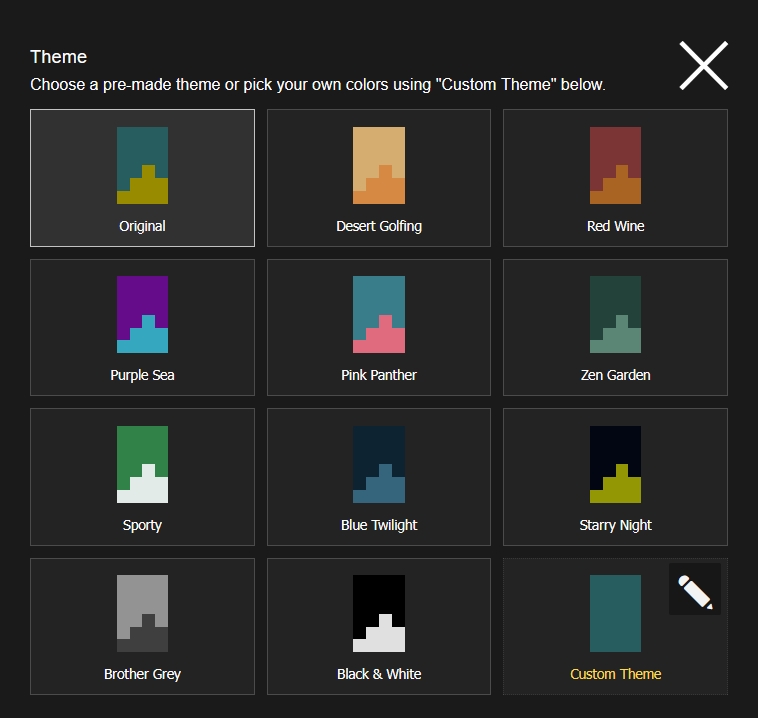
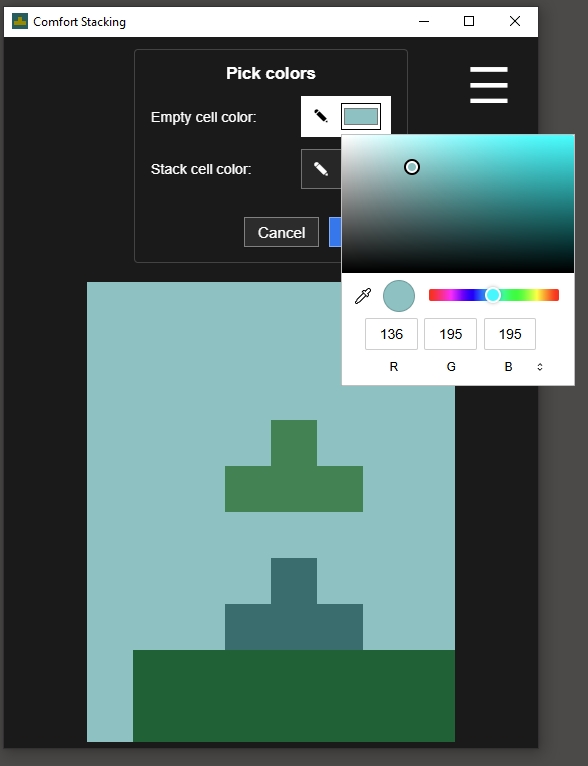
The goal was to create a high-quality experience with accessible, intuitive controls and a customizable mood through a simple two-colour theme editor.
It was envisioned more as an activity than a "game." The game keeps track of cumulative stats, but it does not set goals for the player.
Made by: Pedro Fonseca Manaças, in Portugal, (2026).
Feature list
- Resizeable game grid that adapts to any screen size dynamicaly.
- Accessible controls including the ability to play using just 2 buttons
- Optional point & click mouse controls
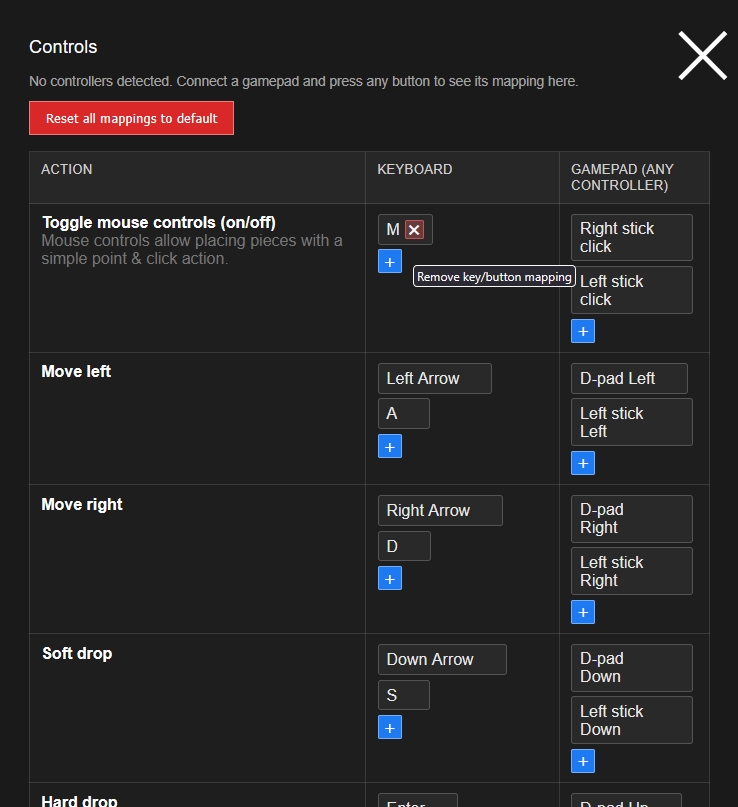
- Fully remapable controls including gamepad (you can even use gamepad to navigate menus)
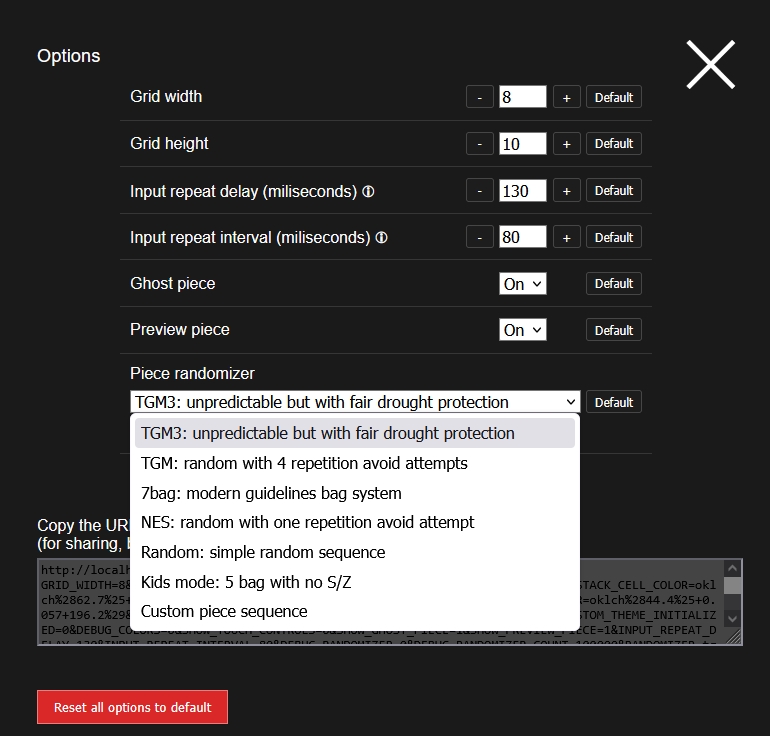
- Multiple randomizer types (including specifying your own custom piece sequence)
- Stats tracking including spin detections.
- Guideline wall kicks allowing all the guideline kick shennanigans
Why I made it
The idea for this came during a particularly anxiety-filled period of my life. I would have anxiety attacks and turn to a tetromino stacking game to help me through the moment, but the progressively increasing game speed and intrusive visual effects would overwhelm my senses. The block-stacking aspect however felt genuinely therapeutic, so I decided to search for a block stacking game that had no gravity, and after trying many tens of games and finding none that did exactly what I wanted I decided to create it.
AI disclaimer
Gameplay and visual design were done "by hand".
Large language models were used to help program some features related to user interface and controls.
Download
Install instructions
For playing on windows without the browser UI in the most minimalist window use the portable version: ..._x64-standalone.exe
Or If you prefer an installer that puts a icon on your desktop automatically use: _x64-installer.exe

Leave a comment
Log in with itch.io to leave a comment.